


What it does?
What is the outcome?
Who is it for?
Deploying Next.js to AWS with enterprise requirements — VPC isolation, WAF protection, container orchestration, CDN configuration, caching layers — means weeks of Terraform writing, security review, and pipeline configuration. Most teams either over-engineer it (months of DevOps work before shipping) or under-engineer it (skip security, skip caching, pay for it later).
Managed platforms like Vercel solve this for many teams, but enterprises with compliance requirements, data residency constraints, or existing AWS investments need to deploy on their own infrastructure. The gap between "deploy to Vercel" and "deploy to AWS properly" is enormous.
next-enterprise-terraform provides a complete, production-tested Terraform configuration that provisions the full AWS stack in one automated flow. It is part of the next-enterprise ecosystem and designed to work seamlessly with that boilerplate.
The infrastructure follows AWS well-architected patterns:
Networking: A properly segmented VPC with public and private subnets, ensuring your application containers run in isolated network space with controlled ingress and egress.
Compute: ECS (Elastic Container Service) handles container orchestration. Your Next.js application runs in Docker containers with automatic scaling, health checks, and zero-downtime deployments. ECR (Elastic Container Registry) stores your container images.
Traffic: An Application Load Balancer distributes traffic across container instances. AWS WAF sits in front, providing protection against common web exploits, SQL injection, and XSS attacks.
Static assets: S3 stores static files with CloudFront as the CDN layer, delivering assets from edge locations worldwide for sub-100ms load times on static resources.
Caching: A Redis cluster provides application-level caching, reducing database load and improving response times for frequently accessed data.
Rather than requiring teams to understand every Terraform module, the Enterprise CLI wraps the provisioning process into an interactive flow. Run enterprise prepare aws, follow the prompts, and the CLI generates the configuration, creates the GitHub repository, and sets up the deployment pipelines.
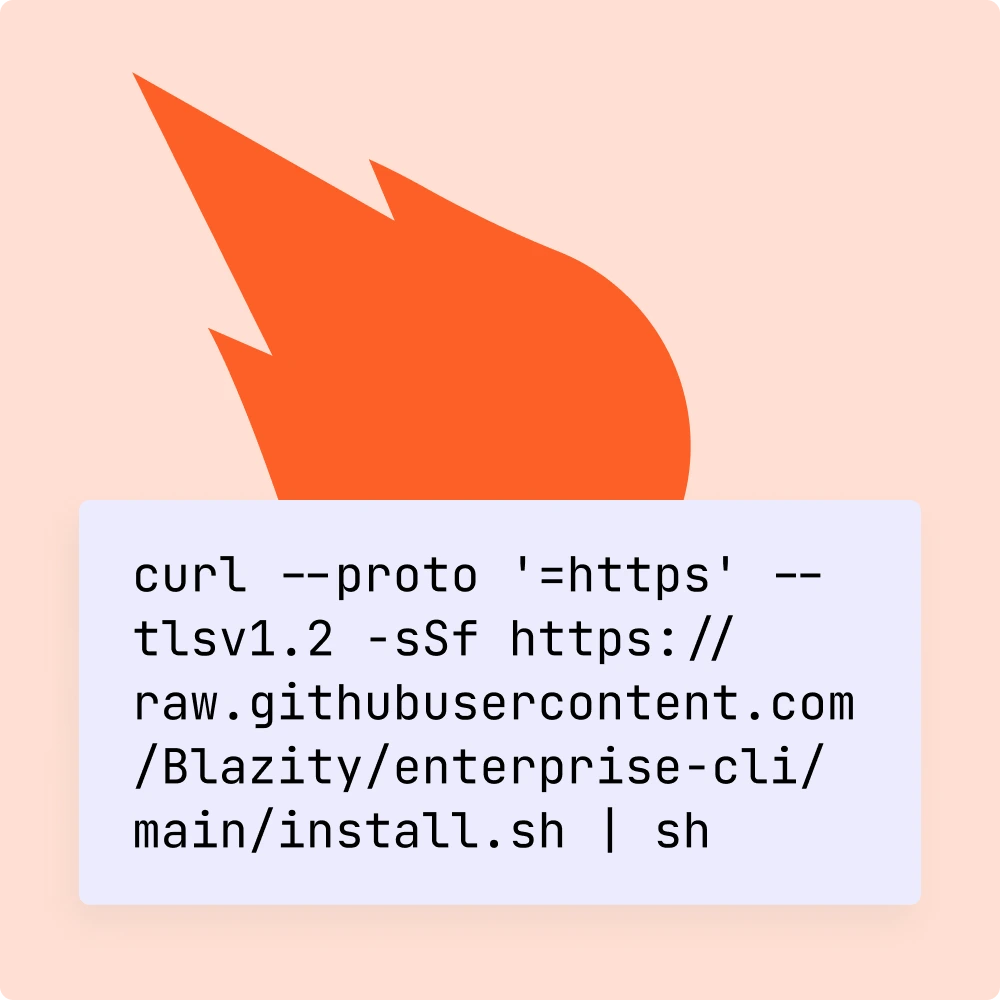
Step 1: Install the Enterprise CLI
curl --proto '=https' --tlsv1.2 -sSf https://raw.githubusercontent.com/Blazity/enterprise-cli/main/install.sh | sh
Step 2: Navigate to your next-enterprise project
Make sure you are in a next-enterprise project directory.
Step 3: Run the provisioning command
enterprise prepare aws
Follow the interactive prompts. The CLI will configure your AWS credentials, generate Terraform files, and set up GitHub Actions workflows.
Step 4: Deploy
Open your GitHub repository → Actions → Deploy Stack. The pipeline provisions the full AWS infrastructure and deploys your application.
next-enterprise-terraform closes the gap between managed platform convenience and enterprise AWS requirements. Your team gets production-grade infrastructure — VPC isolation, WAF security, container orchestration, CDN delivery, and Redis caching — without the weeks of DevOps configuration that usually precedes a first deployment.
Built by the same team that delivers 70% LCP improvements for revenue-critical applications, monitors 150M+ monthly visits, and maintains 18+ months of zero performance regressions for enterprise clients.

Test our OSS libraries, check our partners, talk to our clients—before you commit.

100% Next.js. Enterprise-grade. Frontend, infrastructure, architecture.

Engineers who think like owners. Proactive, accountable, quality-obsessed.

We build your capability, not your dependency.